Custom Sticker Sheet Printing | A5, A4 & A3+
Create your own personalized sticker sheets with SHEETS! Perfect for business logos, packaging, product labels, gifts, and custom designs.
✨ Features
- 🎨 Custom Designs: Print your own logos, artwork, and personalized stickers.
- 📄 Available Sizes: A5, A4, and A3+.
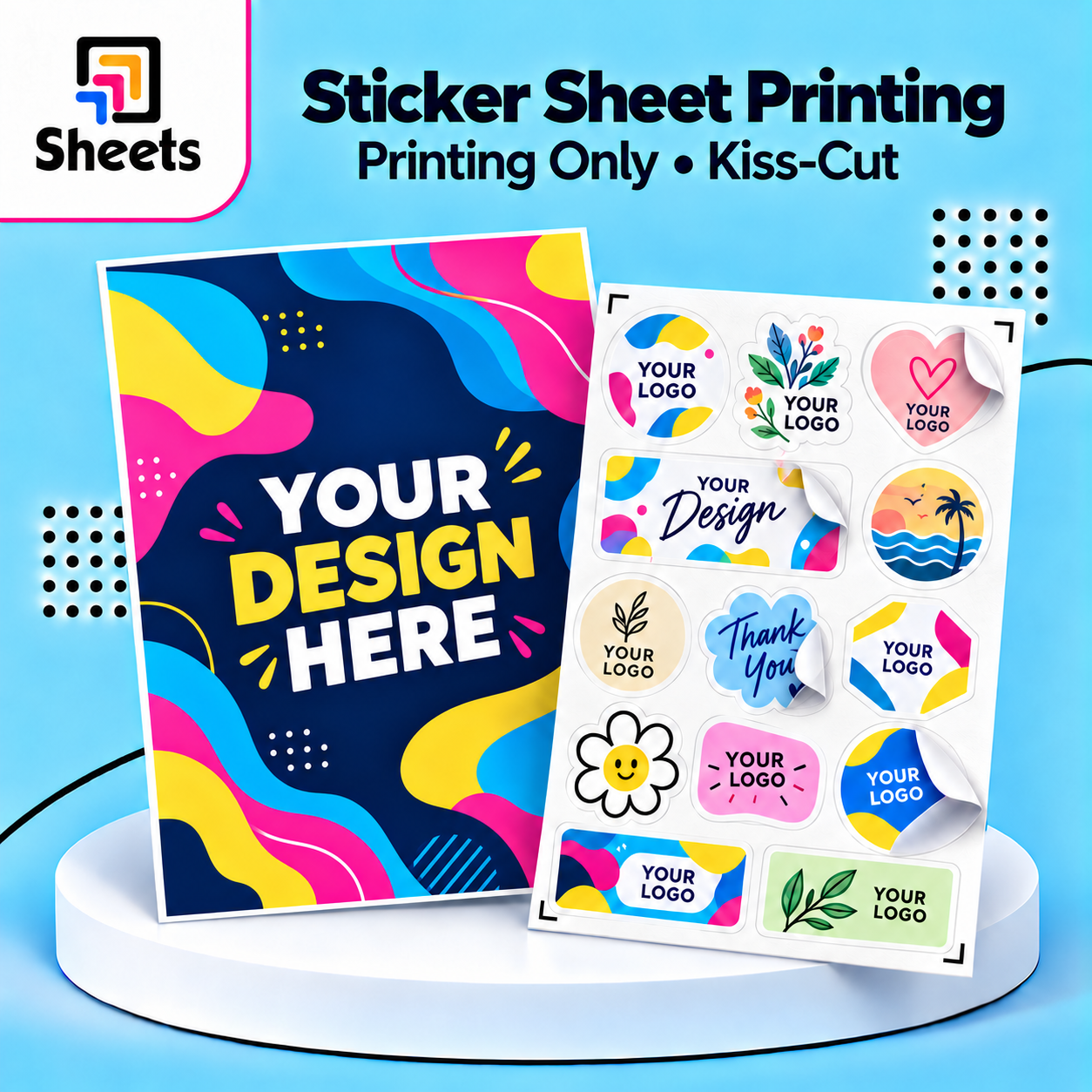
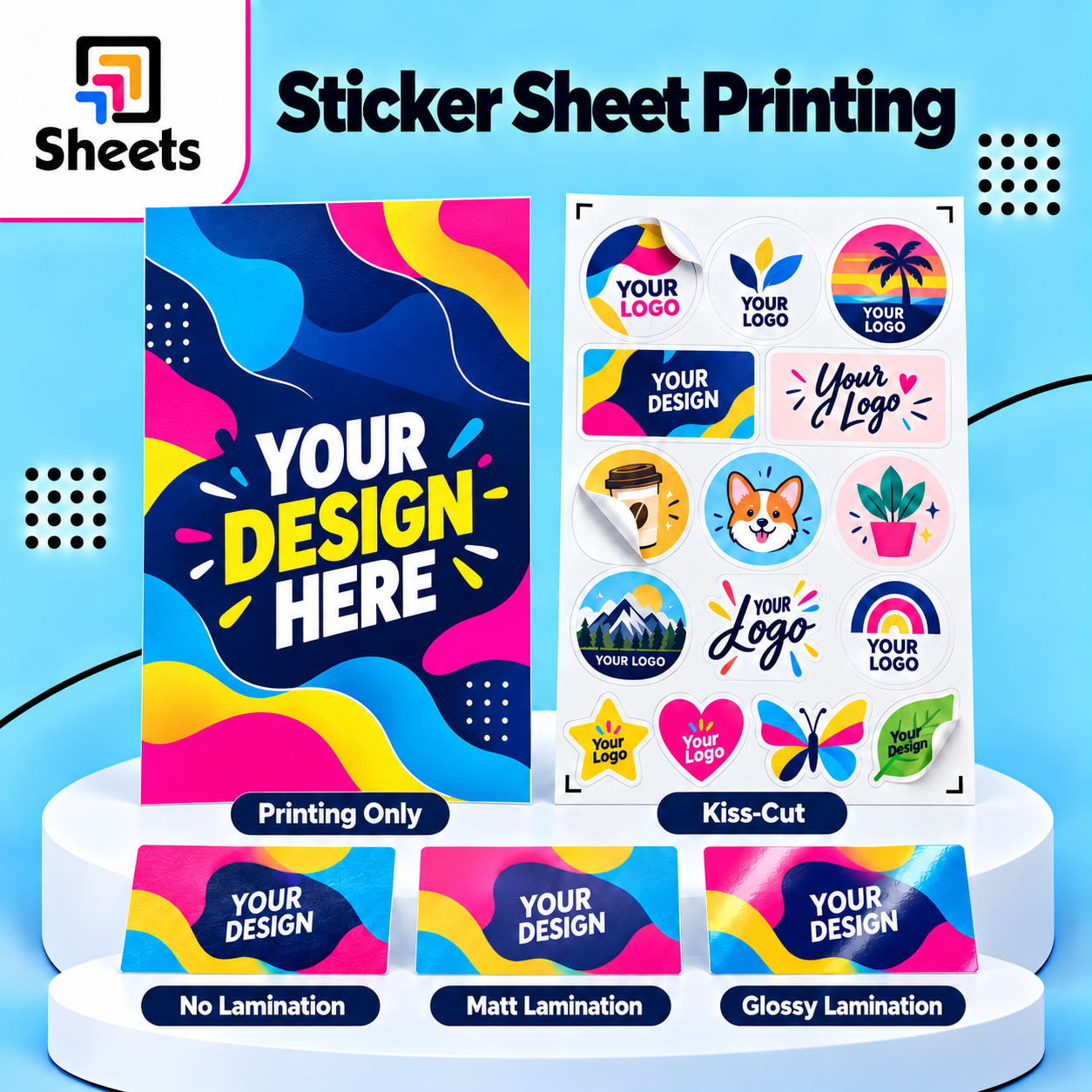
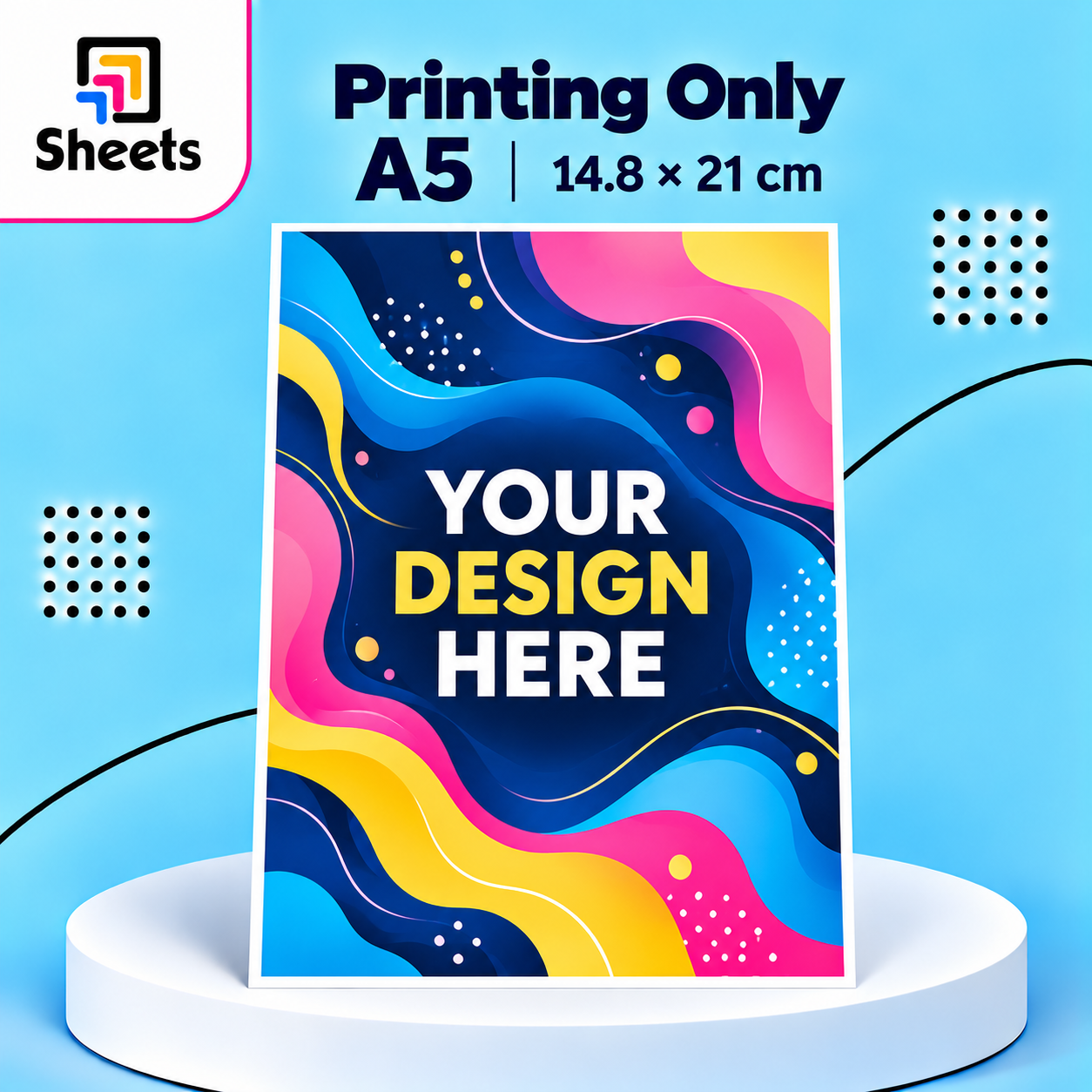
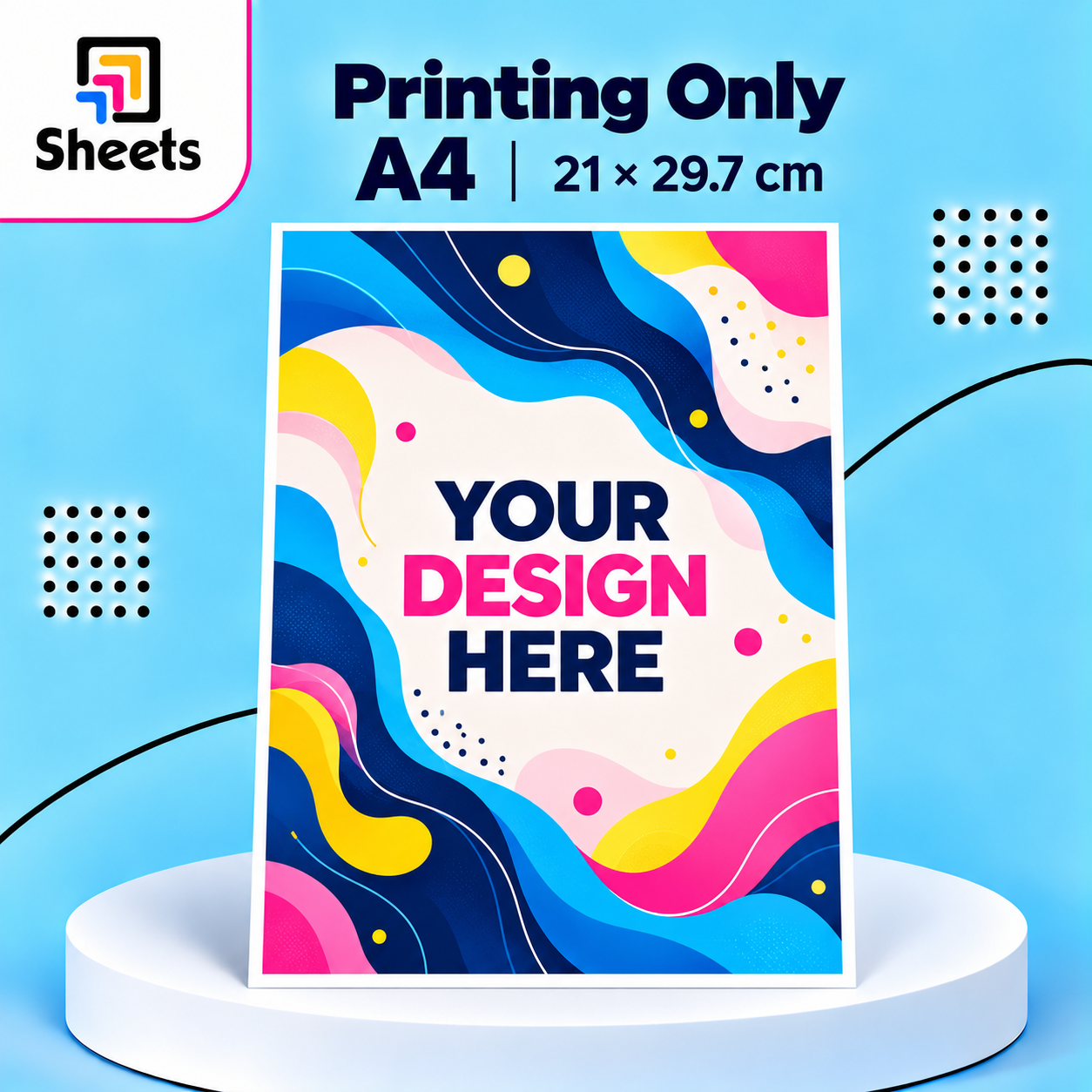
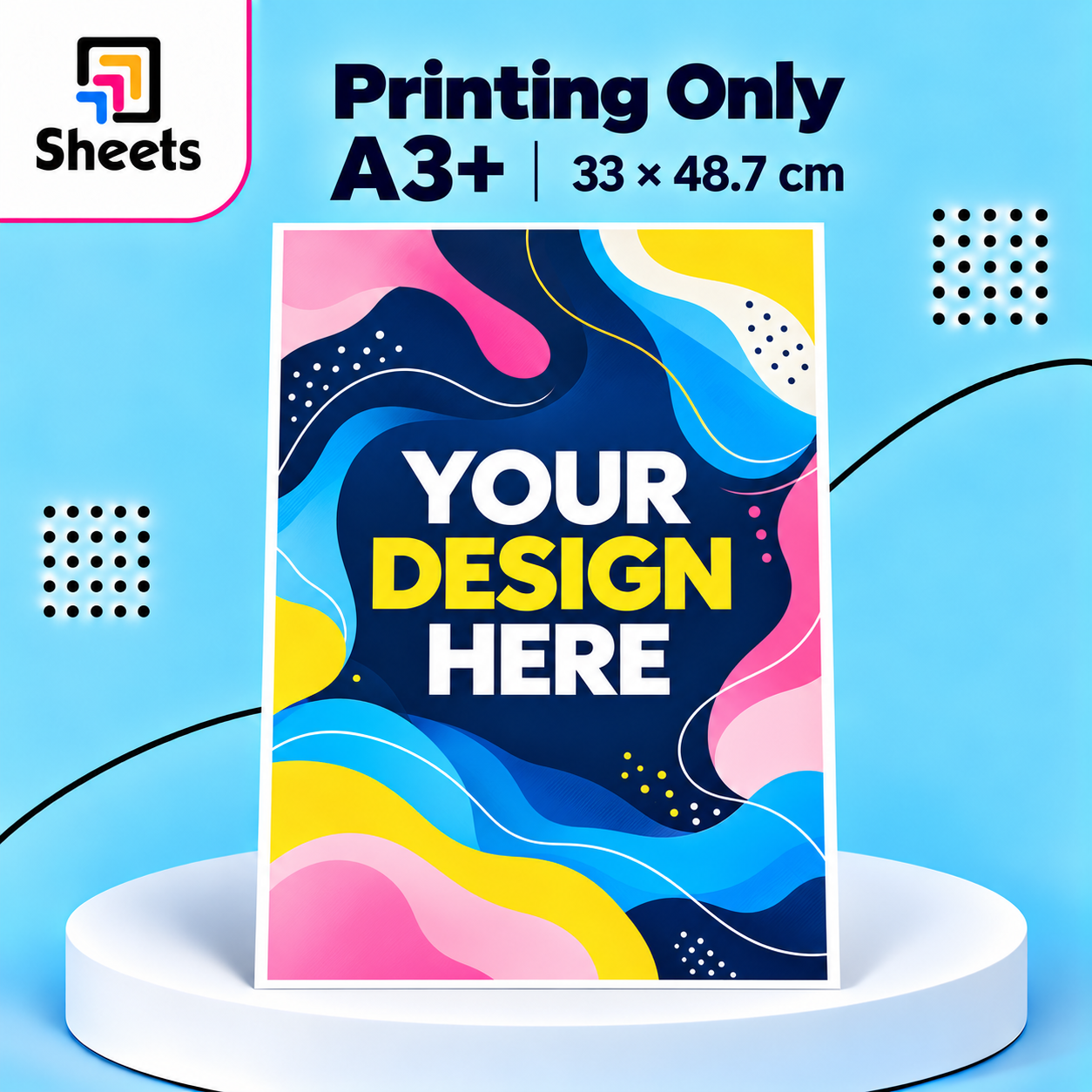
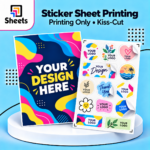
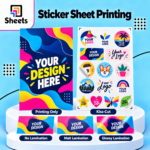
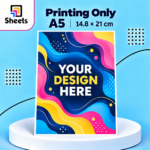
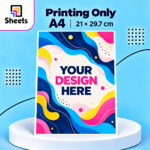
- 🖨️ Printing Only: Full-color printing without individual sticker cutting.
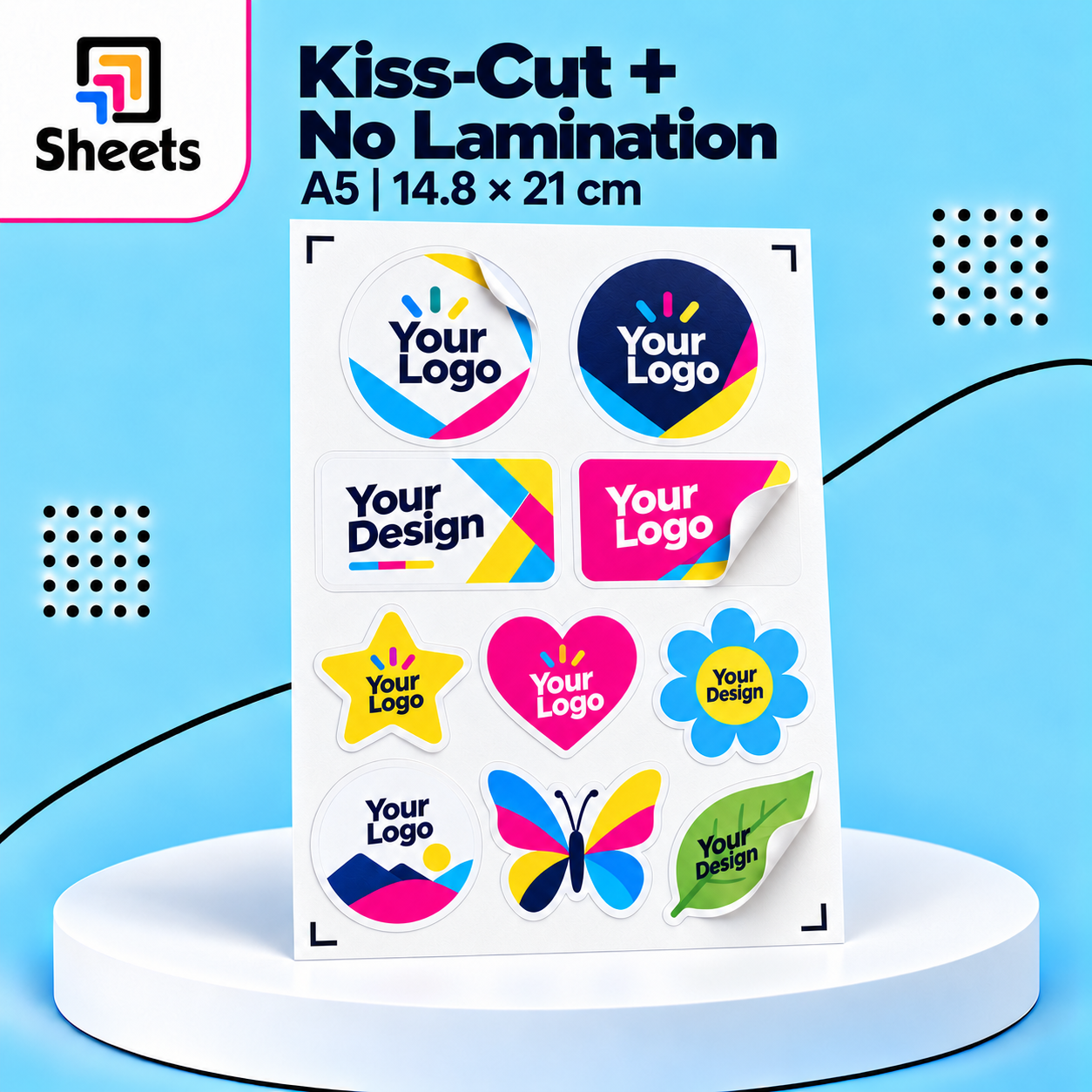
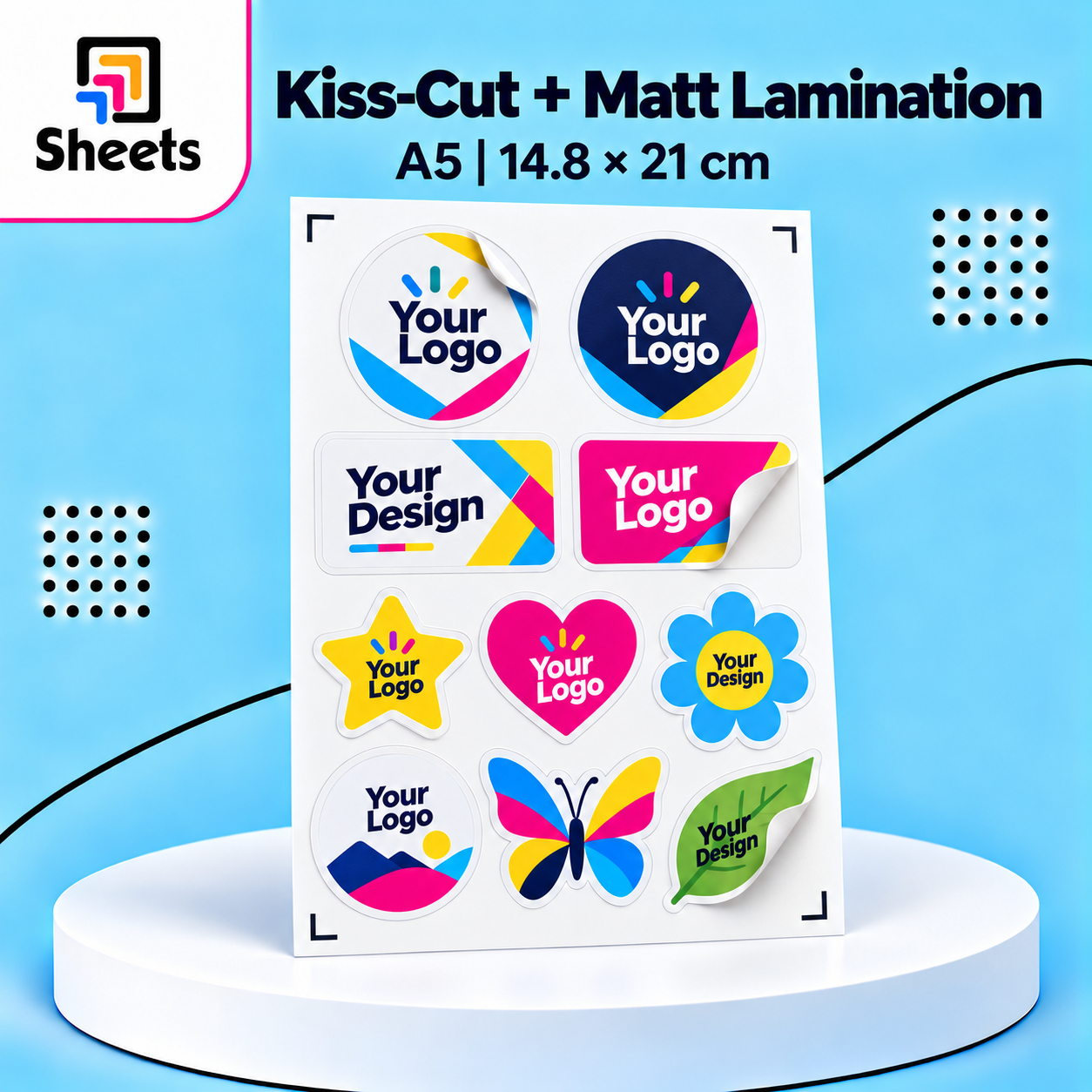
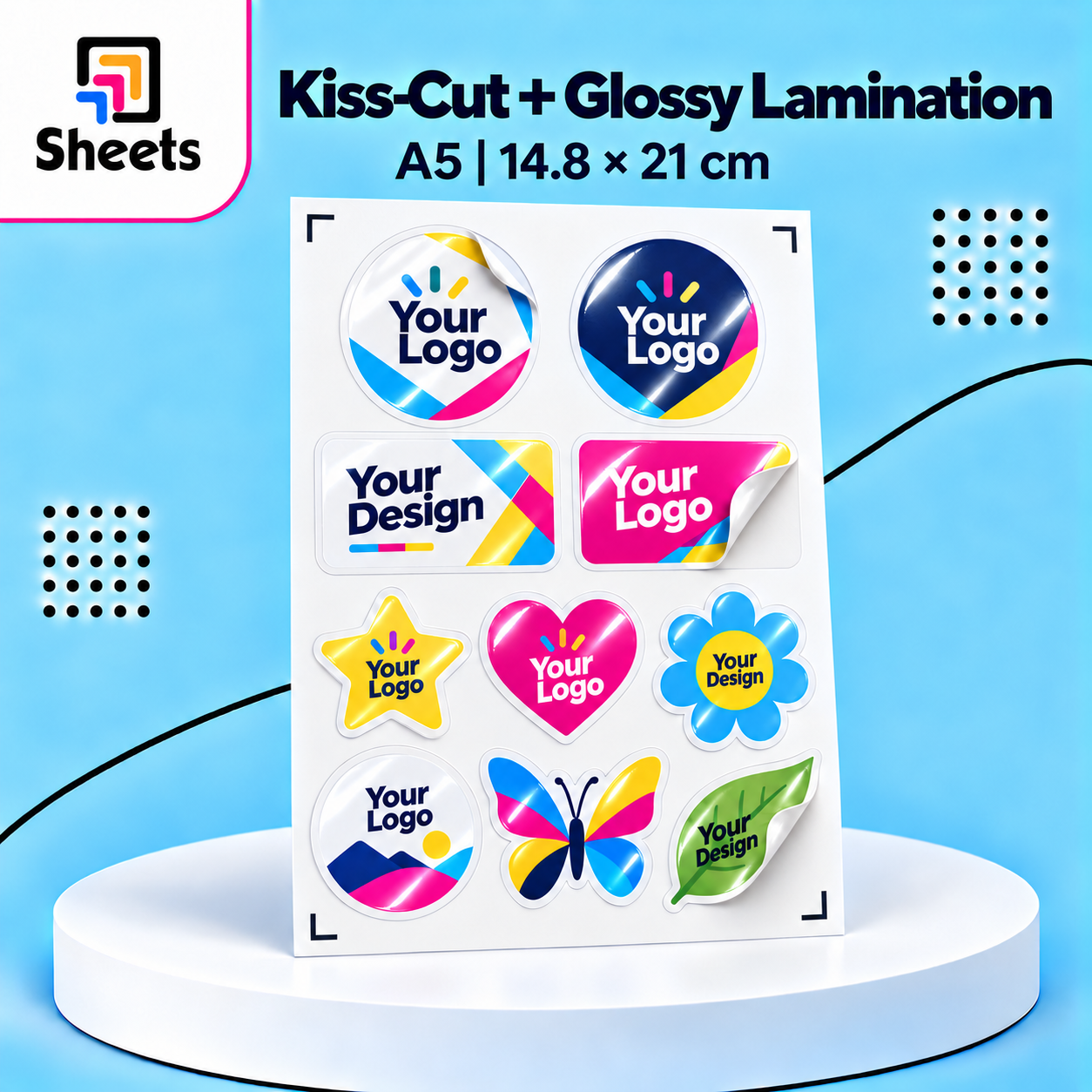
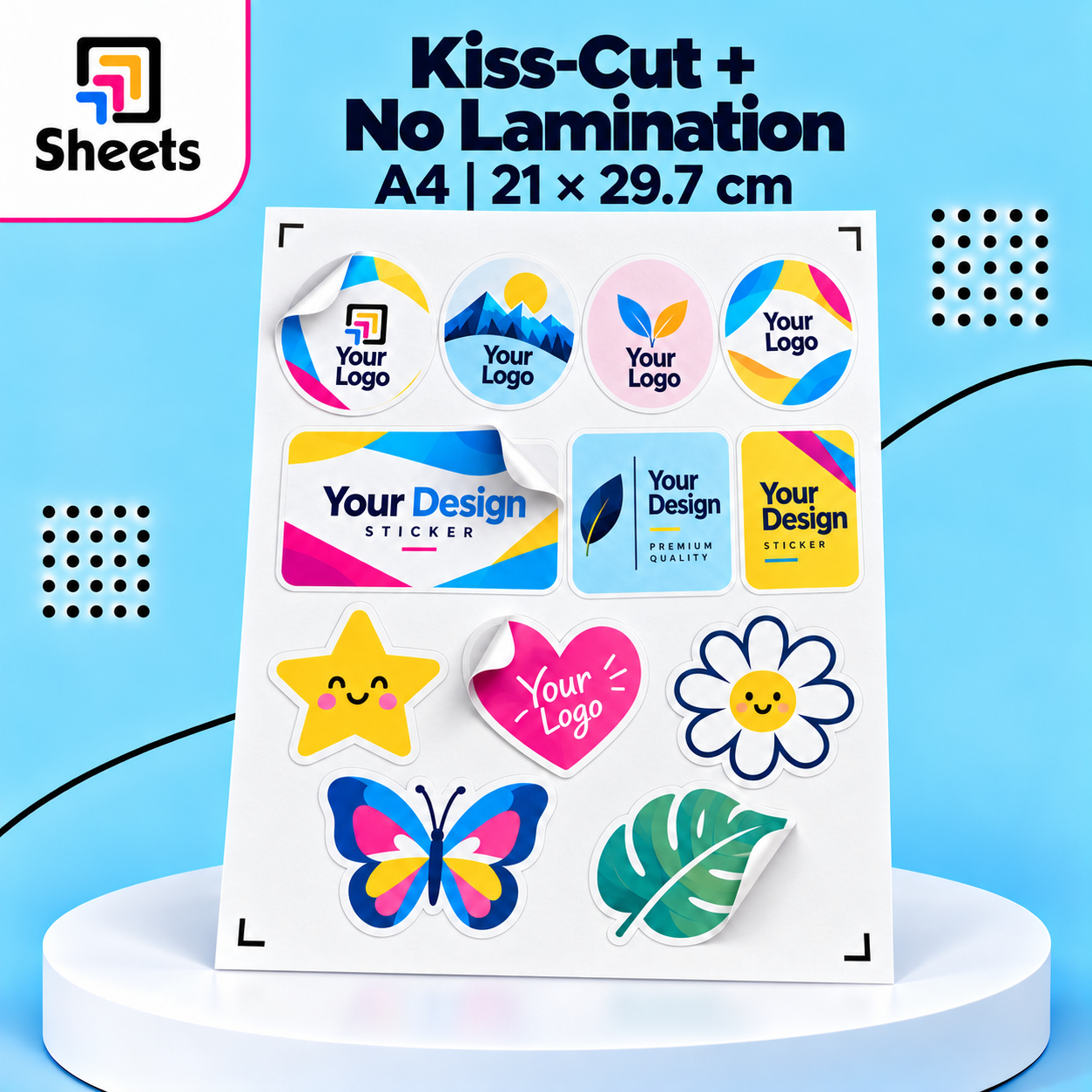
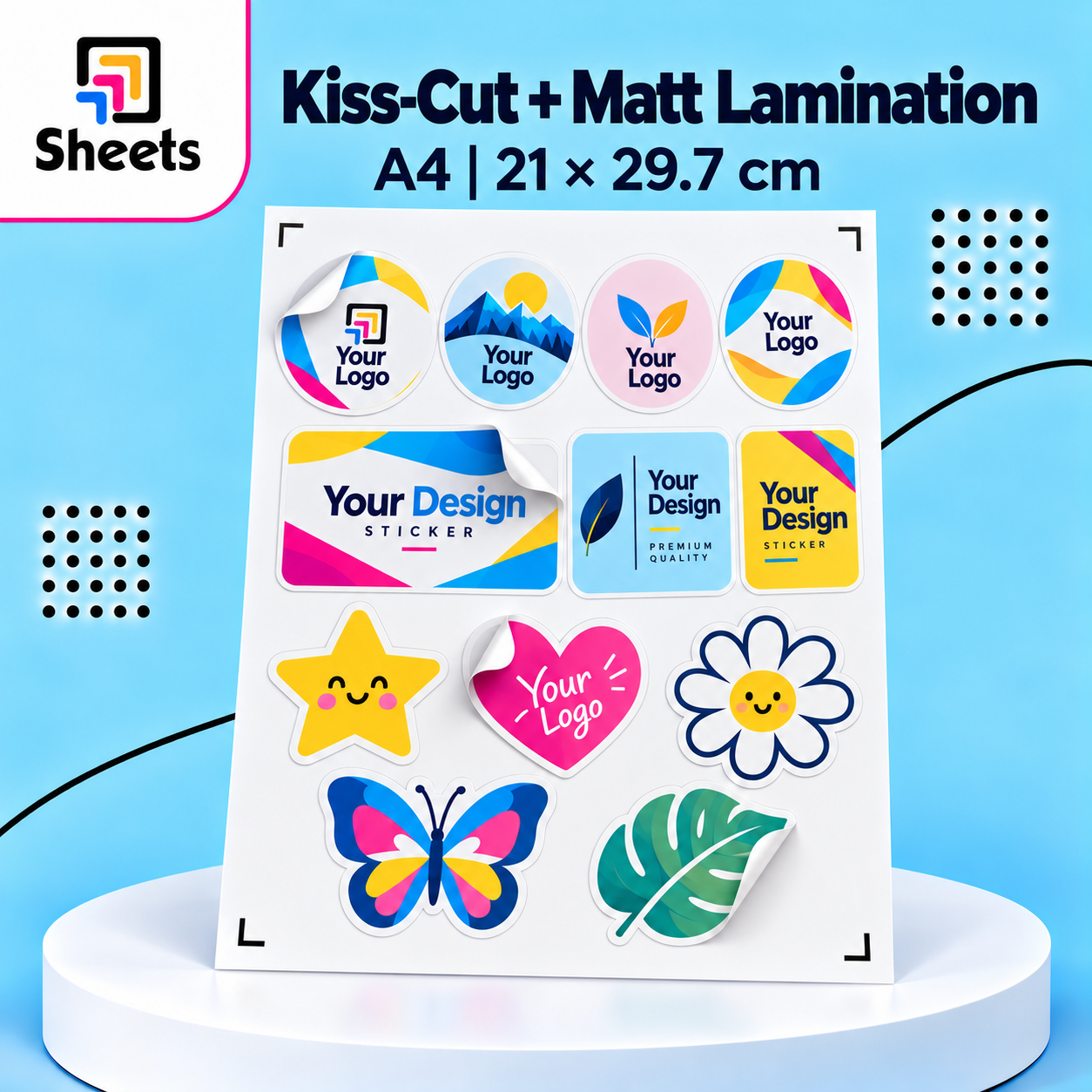
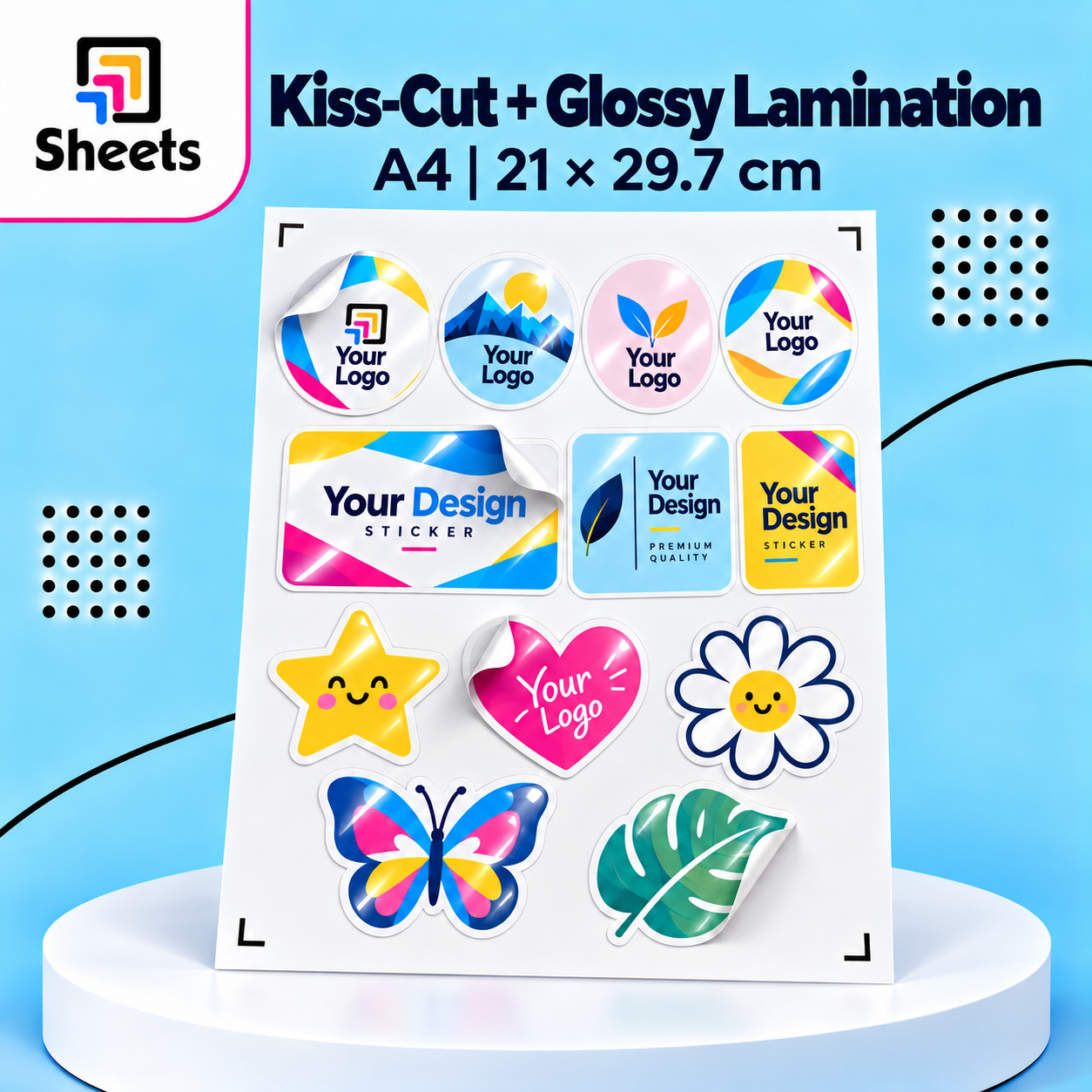
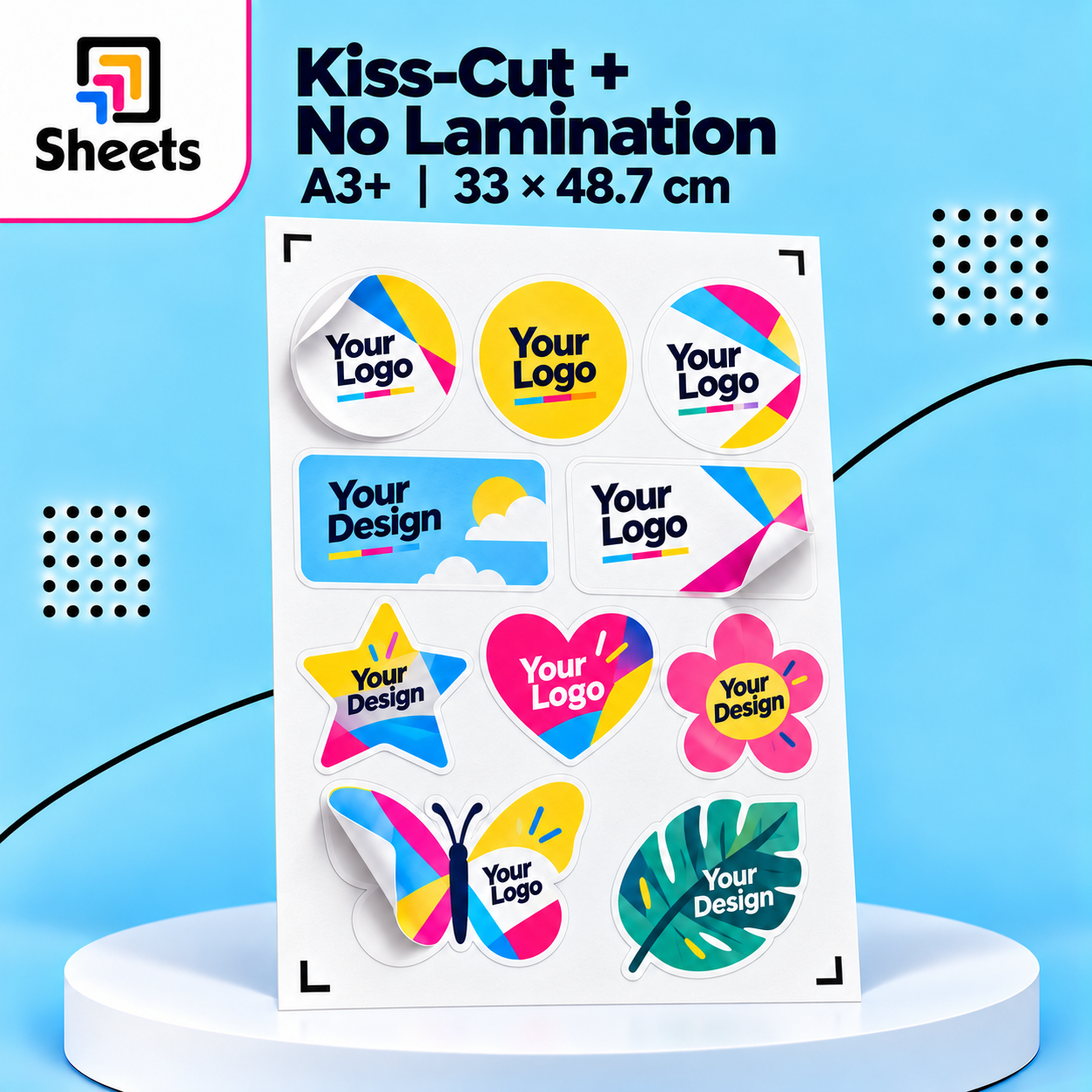
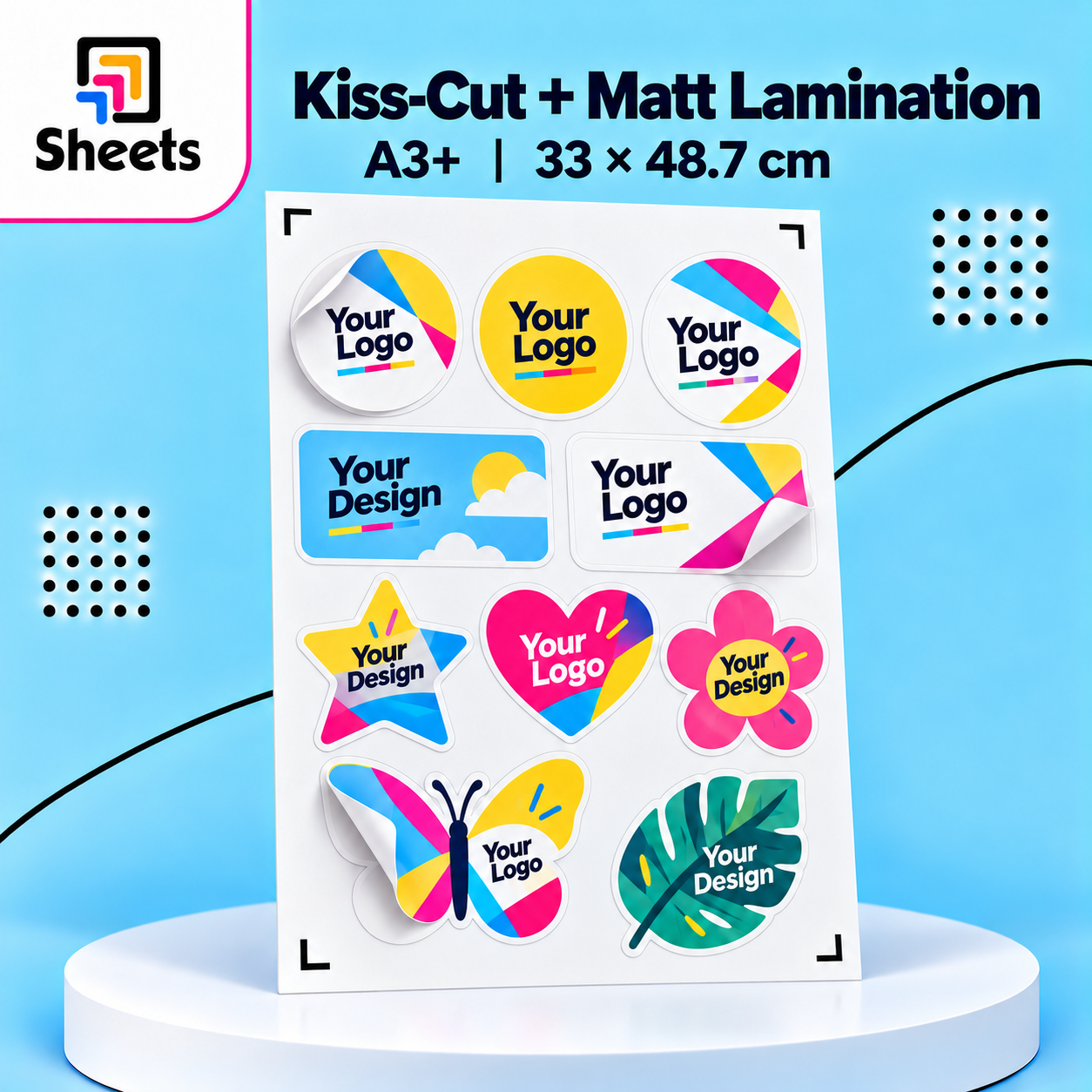
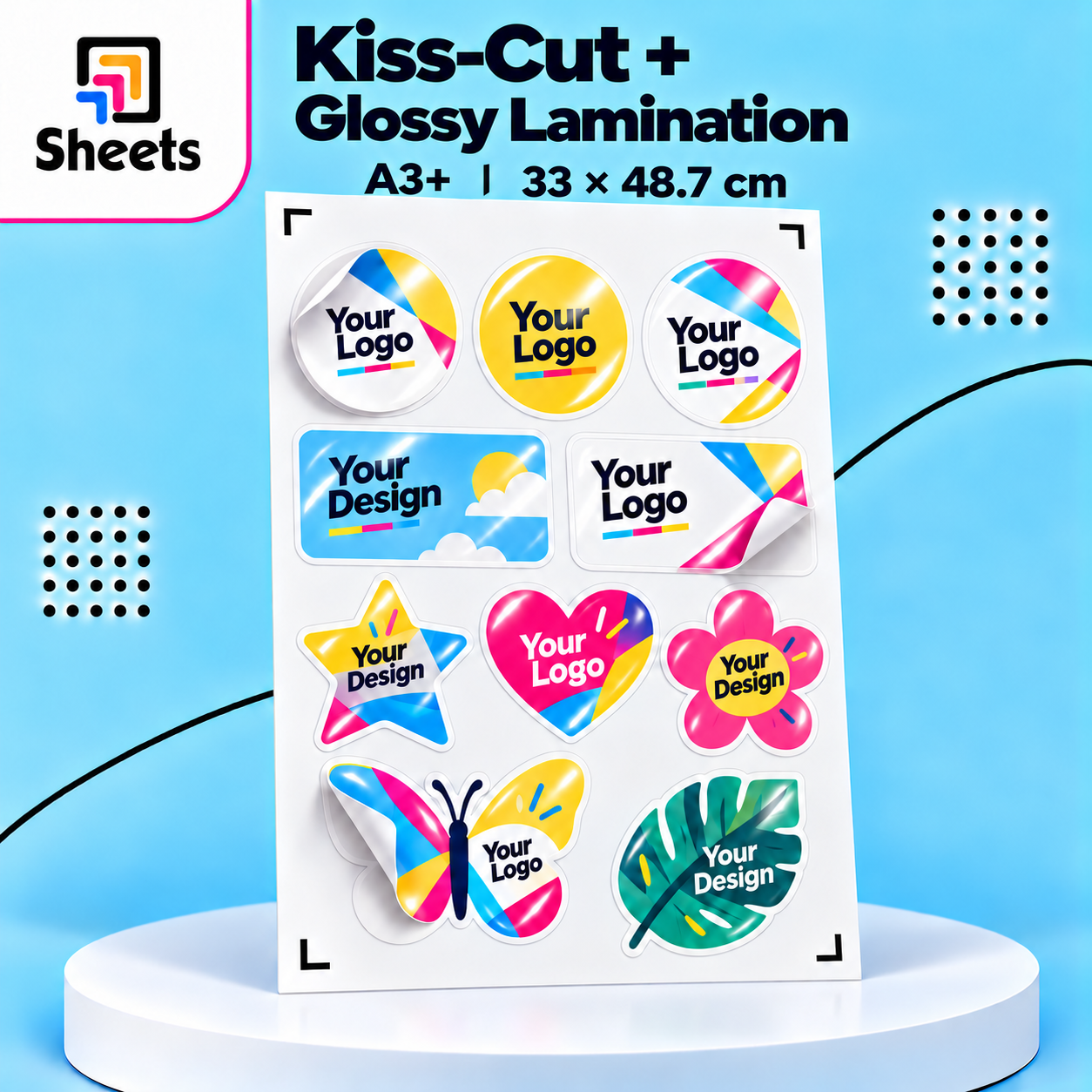
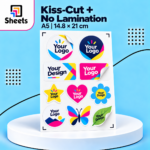
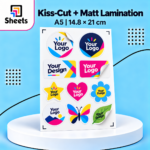
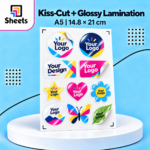
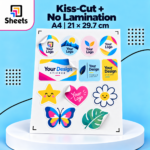
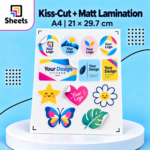
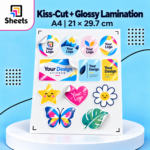
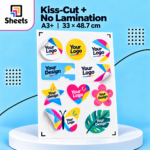
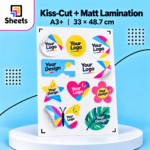
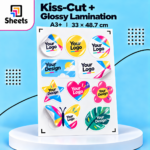
- ✂️ Printing + Kiss-Cut: Stickers are individually cut around their shapes while remaining attached to the backing sheet.
- ✨ Optional Lamination: Choose Matte or Glossy for extra protection and a premium finish.
- 🌈 High-Quality Printing: Vibrant colors and sharp details.
📏 Available Sheet Sizes
- A5: 14.8 × 21 cm
- A4: 21 × 29.7 cm
- A3+: 33 × 48.7 cm
✨ Lamination Options
Add an optional protective layer to enhance the appearance and durability of your stickers.
- 🖨️ No Lamination: Standard printed stickers without an additional protective layer.
- ✨ Glossy Lamination: A shiny finish that enhances colors and makes your designs look more vibrant.
- 🌿 Matte Lamination: A smooth, elegant, non-reflective finish for a professional look.
Lamination Benefits:
- 🛡️ Extra protection against scratches and everyday handling.
- 💧 Improved resistance to light moisture and splashes.
- 🎨 Enhances the overall appearance and finish of your stickers.
Lamination is optional and may involve an additional charge. It does not guarantee complete waterproof protection.
🧮 How Many Stickers Fit on One Sheet?
Estimate the number of stickers using this simple formula:
Stickers Per Sheet = (Sheet Width ÷ Sticker Width) × (Sheet Height ÷ Sticker Height)
Round down each division to the nearest whole number before multiplying.
Calculation Sizes for Kiss-Cut:
- A5: 14.8 × 21 cm
- A4: 21 × 29.7 cm
- A3+: 31 × 45.7 cm
Example: 5 × 5 cm Stickers on A4
- Width: 21 ÷ 5 = 4 stickers
- Height: 29.7 ÷ 5 = 5 stickers
- Total: 4 × 5 = 20 stickers per sheet
The final quantity may vary depending on sticker shape, spacing, and cutting requirements.
🎨 Create Your Own Sticker Sheet with AI
Don’t have a ready design? Use ChatGPT to create your stickers and arrange them on your selected sheet!
How to Use:
- Copy the AI Design Prompt below into ChatGPT.
- Enter your sticker idea, dimensions, and sheet size.
- Choose Printing Only or Printing + Kiss-Cut.
- Select your preferred Lamination Option.
- Upload a reference image or logo if available.
- Generate your sticker sheet and upload the completed file with your order.
📋 COPY THIS AI DESIGN PROMPT
Create My Custom Sticker Sheet – SHEETS
I want you to design a professional sticker and arrange multiple copies on a print-ready sheet.
MY DETAILS
- Sticker Idea: [Describe your design]
- Sticker Width: [Enter cm]
- Sticker Height: [Enter cm]
- Sheet Size: [A5 / A4 / A3+]
- Printing Type: [Printing Only / Printing + Kiss-Cut]
- Lamination: [No Lamination / Matte / Glossy]
- Sticker Shape: [Circle / Square / Rectangle / Custom Shape]
- Text on Sticker: [Enter exact text]
- Reference Image: [Upload an image or leave blank]
DESIGN INSTRUCTIONS
- Create a high-quality sticker design based on my description or uploaded reference.
- Keep the exact requested sticker dimensions and proportions.
- Repeat the design and arrange as many stickers as possible on the selected sheet.
- Keep every sticker properly aligned with consistent spacing.
- Use a clean white background without mockups, shadows, or decorative elements outside the sticker designs.
- Do not add extra text or modify my requested wording.
- Preserve the original details and proportions of any uploaded logo or reference artwork.
SHEET DIMENSIONS
- A5: 14.8 × 21 cm
- A4: 21 × 29.7 cm
- A3+: 33 × 48.7 cm
IF I SELECT PRINTING ONLY
- Arrange the stickers across the available printable area.
- Use the full selected sheet size, allowing only normal printing safety margins.
- Do not reserve additional space for a cutting machine.
- Do not create cutting outlines, tracing marks, or cutter registration marks.
- Maximize the number of stickers while maintaining the requested dimensions.
IF I SELECT PRINTING + KISS-CUT
- Create individual cutting outlines around each sticker.
- Follow the exact outer shape of every sticker.
- Use smooth, continuous, closed vector paths suitable for a cutting machine.
- Keep the cutting outlines separate from the printed artwork.
- Avoid unnecessary nodes, overlapping outlines, and broken paths.
- Leave sufficient spacing between stickers for accurate cutting.
Use These Cutting Layout Dimensions:
- A5: 14.8 × 21 cm
- A4: 21 × 29.7 cm
- A3+: 31 × 45.7 cm
For A3+ Sheets:
- Position the usable design area at the top center of the sheet.
- Leave 1 cm completely blank on the left.
- Leave 1 cm completely blank on the right.
- Leave 3 cm completely blank at the bottom.
- Keep all stickers and cutting paths within the usable area.
Cutting File Requirements:
- Create a separate vector layer named CUT_LINES.
- Create a separate artwork layer named PRINT_ARTWORK.
- Ensure the cutting paths are correctly aligned with the printed stickers.
- Do not include visible cutting lines in the final printed artwork.
- Do not add cutter registration marks unless specifically requested.
- If vector layers are unavailable, provide separate print artwork and cutting path files when supported.
LAMINATION INSTRUCTIONS
No Lamination:
- Prepare the artwork for standard sticker printing without an additional protective finish.
Matte Lamination:
- Keep text and fine details clear with sufficient contrast.
- Prepare the artwork for a smooth, non-reflective finish.
Glossy Lamination:
- Use vibrant colors and sharp details suitable for a shiny finish.
- Maintain good contrast and readability.
Important Lamination Rules:
- Do not simulate glossy reflections, lamination textures, or artificial shine in the actual print file.
- Lamination is physically applied after printing.
- Lamination must not change the requested sticker dimensions or sheet arrangement.
- For Kiss-Cut, keep the cutting paths aligned with the final laminated stickers.
FINAL OUTPUT
- Create the complete sticker sheet layout.
- Maintain accurate physical dimensions in centimeters.
- Calculate and display the estimated number of stickers per sheet separately from the artwork.
- Provide a high-resolution print-ready PDF at actual size (100% scale).
- For Kiss-Cut, also provide an SVG or vector PDF containing the cutting paths, if supported.
- Keep the artwork and cutting paths correctly aligned.
- Do not add titles, measurement labels, or instructions inside the printable artwork.
- If exact-size files or true vector cutting paths cannot be generated, clearly explain the limitation instead of presenting a preview image as a production-ready file.
The final result should be a clean, professional sticker sheet suitable for uploading to SHEETS.
📌 Important Notes
- 📤 Upload your final artwork in high resolution, preferably as a print-ready PDF.
- ✂️ Kiss-Cut stickers remain attached to the original backing sheet.
- 📏 Sticker quantities are estimates and depend on shape, spacing, and cutting requirements.
- ✨ Matte and Glossy Lamination are optional and may involve an additional charge.
- 💧 Lamination adds protection but does not guarantee complete waterproofing.
- 🎨 Printing colors may vary slightly from those displayed on your screen.
- 🖨️ AI-generated artwork must have its dimensions and cutting paths verified before production.

Reviews
There are no reviews yet.